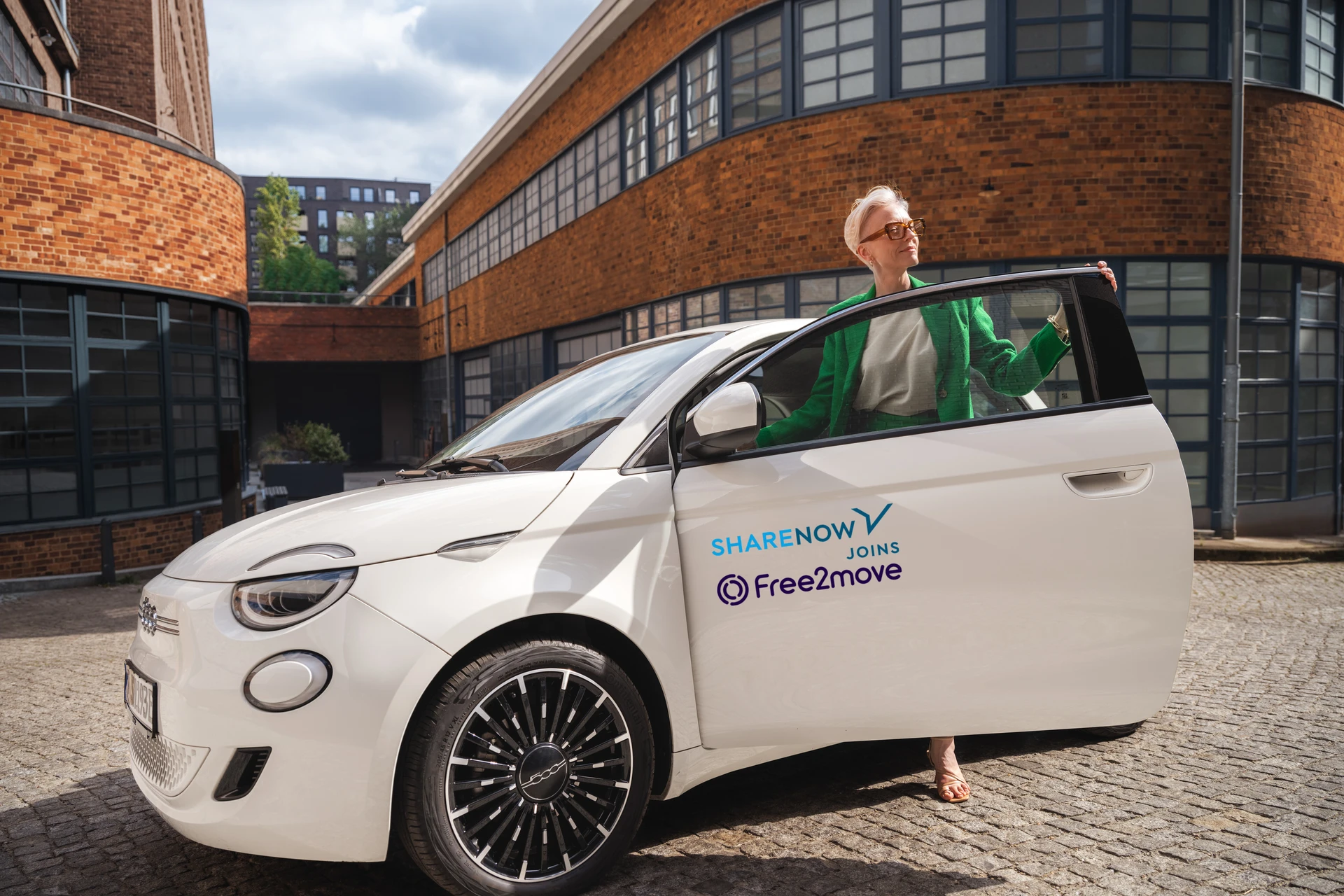
A new era of car‑sharing
Advantages of car-sharing
Why use SHARE NOW?
It's the best way to drive. With car-sharing, you don't have to buy or lease a car. Our cars are available around every street corner. Whether you need to rent a car for 2 minutes or 2 weeks, you can get going with just one app. Find us in 15 major cities in 6 countries in Europe – for all your plans, big and small. What else?

You don't pay for parking, fuel, or insurance
Our rates are all-inclusive and are as flexible as pay-per-minute. No monthly fees, no commitments. Before each drive, simply choose the rate you want in the app and pay only for what you use. Insurance? We've got you covered.

You can drive whenever, wherever you feel like
Our cars are available 24/7. If you see an available SHARE NOW car, you can simply hop in and drive. If you pre-book a car in advance, we'll even deliver it to you for free!
You can find and park our cars anywhere within the city
Free-floating car-sharing means our cars are everywhere! Pick a car near you and start your trip with just the app. When you're done, simply park the car back onto a different street. Easy as that.
Meet the fleet
SHARE NOW cars in Europe
Enjoy amazing cars – without the price tag. We have a thing for nice rides and put only the most iconic models at your fingertips. When you car-share with SHARE NOW, you'll always be in the driver's seat of the world's most coveted and exciting vehicles. Go on, make them jealous.